Description
The Excel Bootcamp combines spreadsheet functions, visual reporting and automation in a project-oriented learning path. The source covers formulas, charts, PivotTables and VBA macros, with exercises involving text and date functions, importing data and summarizing larger datasets. A budget and expense-management workbook provides a practical context for connecting those techniques.
The course begins without assuming earlier Excel experience. Demonstrations use Microsoft 365 Excel, while the listed topics progress toward reusable formulas, data analysis and automation of repetitive spreadsheet work.
What you will learn
- Build formulas using the text and date functions covered.
- Visualize data with charts and summarize datasets with PivotTables.
- Import external data into Excel workbooks.
- Automate repeated tasks with VBA macros.
- Apply the material to a budget and expense-management project.
Course specifications
- Publisher
- ZeroToMastery
- Instructors
- Travis Cuzick
- Language
- English
- Level
- All Levels
- Duration
- 22 hours and 32 minutes
- Lecture count
- 164
- Subtitle
- English
- Quality
- 1080p
- Edition
- 2026-7
Course topics
View course topics
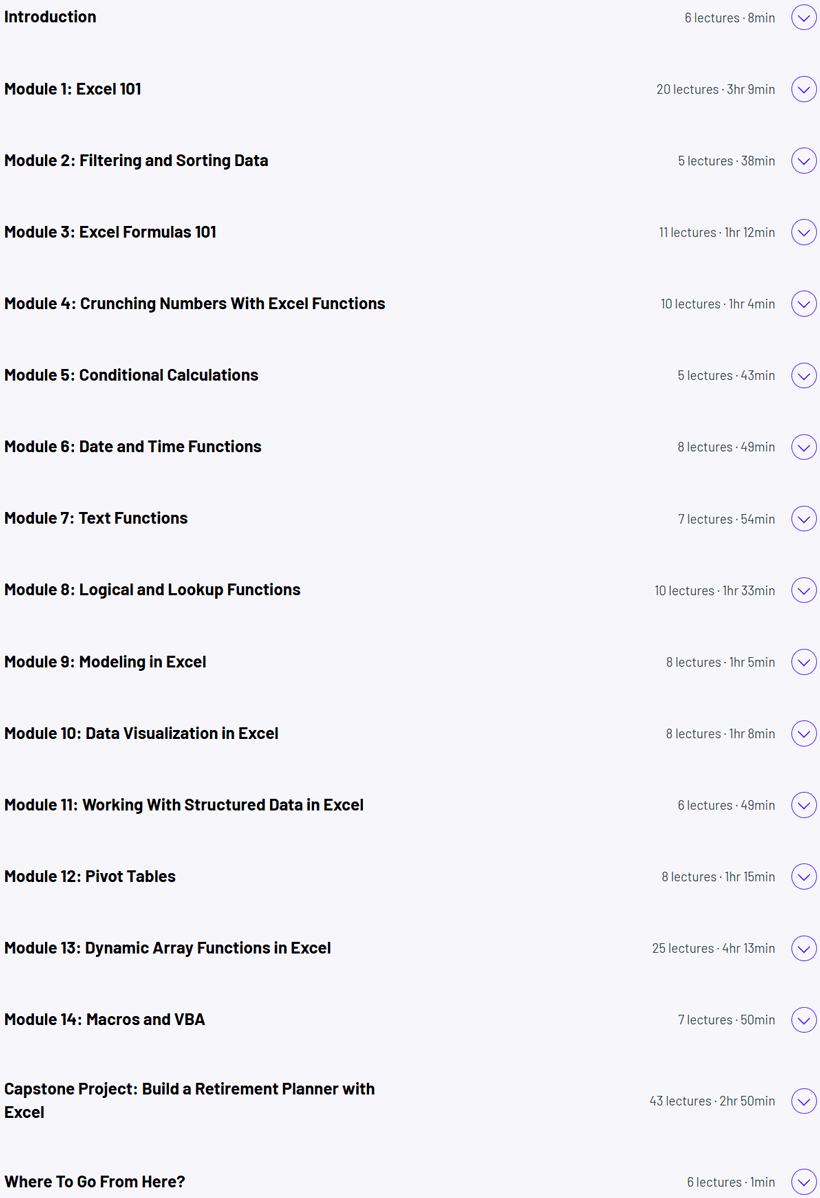
The course topics image is temporarily unavailable.
Prerequisites
- No previous Excel experience is required.
- Microsoft Excel installed; the demonstrations use Microsoft365 Excel.
Pictures
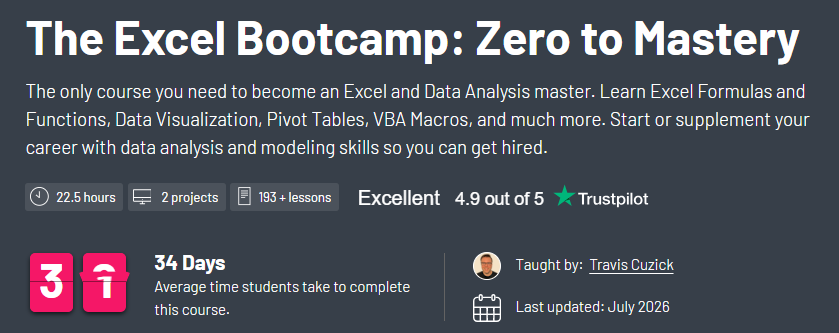
This picture is temporarily unavailable.
Introduction video
How to open the files
Keep all parts of the same edition together before extracting the first archive. Open the included course media with a compatible player.
Download resources
Choose one edition and keep its parts together. Alternate providers are available when listed.
2026-7 · 1080p · 1
Direct downloads
2026-7 · 1080p
2026-7 · 1080p · 2
Rapidgator
2026-7 · 1080p
Size
3.54 GB
Leave a Reply
Signed-in member comments appear immediately.