Description
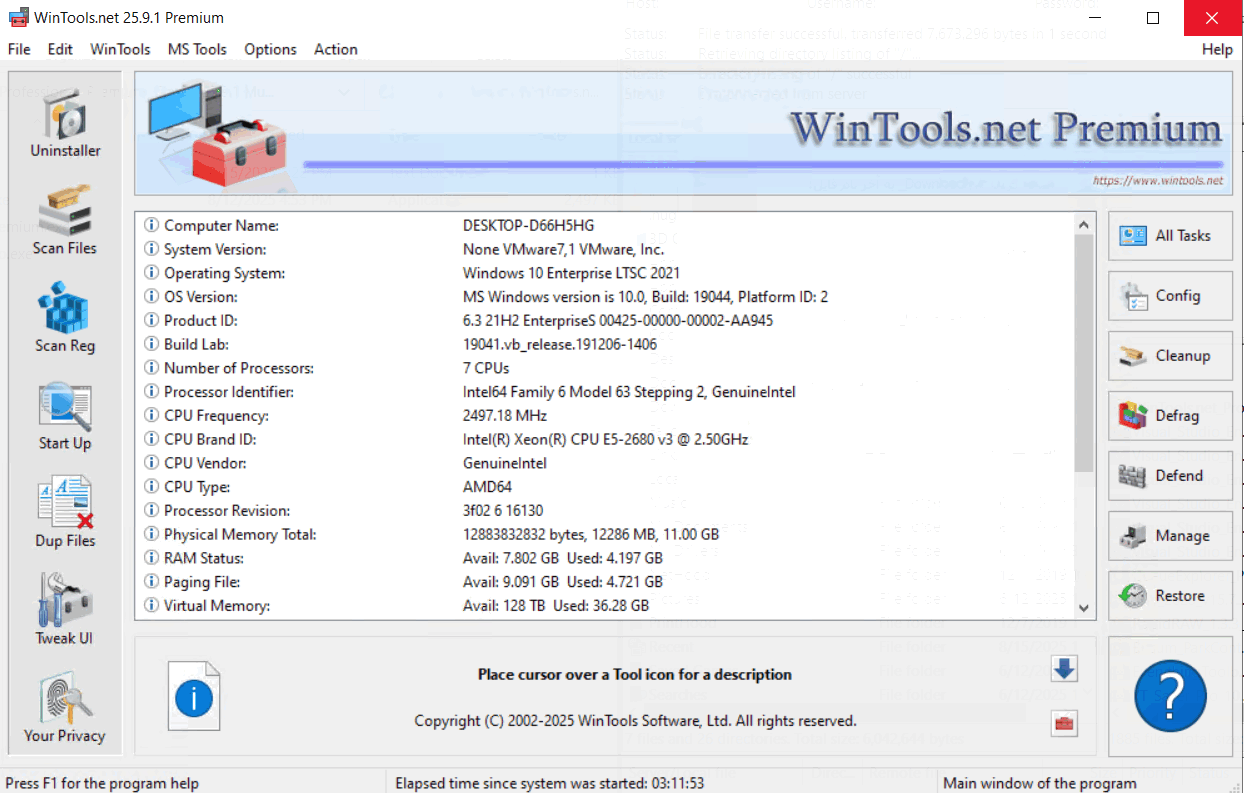
WinTools.net brings several Windows maintenance functions into one suite. The source describes uninstall monitoring, searches for leftover files and broken shortcuts, startup-item management and additional system settings, giving users controls for reviewing how the computer is configured.
Other listed tools address memory monitoring, privacy-related cleanup and network settings. Availability differs between Classic, Professional and Premium editions. Startup controls, for example, let users review which programs run when Windows starts, while shortcut scanning locates references that no longer point to an available destination.
Features include: Uninstall monitoring and searches for leftover files; Broken-shortcut and registry-reference scanning; Startup-item management; System settings and memory-monitoring tools; Additional privacy and network tools, depending on edition.
Software specifications
Topics
Prerequisites
- The source lists Windows 10 and 11 among supported systems.
- The stated minimum display resolution is 1024 × 768.
Pictures
This picture is temporarily unavailable.
Installation guide
Choose the file group for your version and platform. Keep multipart files from the same release together and follow the supplied setup instructions.
Download resources
Choose one edition and keep its parts together. Alternate providers are available when listed.
WinTools Professional Premium Classic 26.10.1 Multilingual
Direct downloads
26.10.1
Size
7 MB
Leave a Reply
Signed-in member comments appear immediately.