
설명
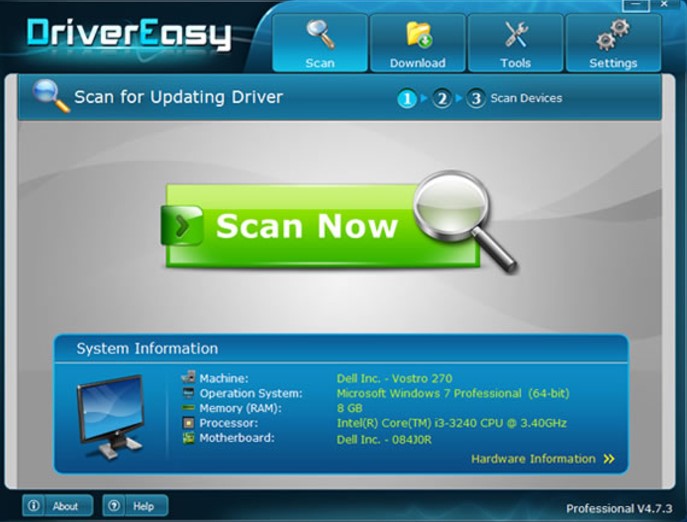
Driver Easy is a Windows utility for identifying installed device drivers and finding updates. It also presents information about components such as the processor, memory and graphics hardware, giving users context for the devices being checked.
An offline scan can save information for use on a computer with an internet connection. Manual and automated update workflows are described, together with the ability to choose which drivers are checked. This separates the initial review of installed devices from obtaining and applying the selected updates.
Features include: Device-driver scanning and update discovery; Hardware information for key system components; Offline scan results that can be used with an internet-connected computer; Selection of drivers for checking and updating.
소프트웨어 정보
주제
이미지
This picture is temporarily unavailable.
This picture is temporarily unavailable.
설치 안내
Choose the file group for your version and platform. Keep multipart files from the same release together and follow the supplied setup instructions.
자료 다운로드
하나의 에디션을 선택하고 그것의 부품을 함께 유지합니다.Alternate 공급자는 목록에 나와있을 때 사용할 수 있습니다.
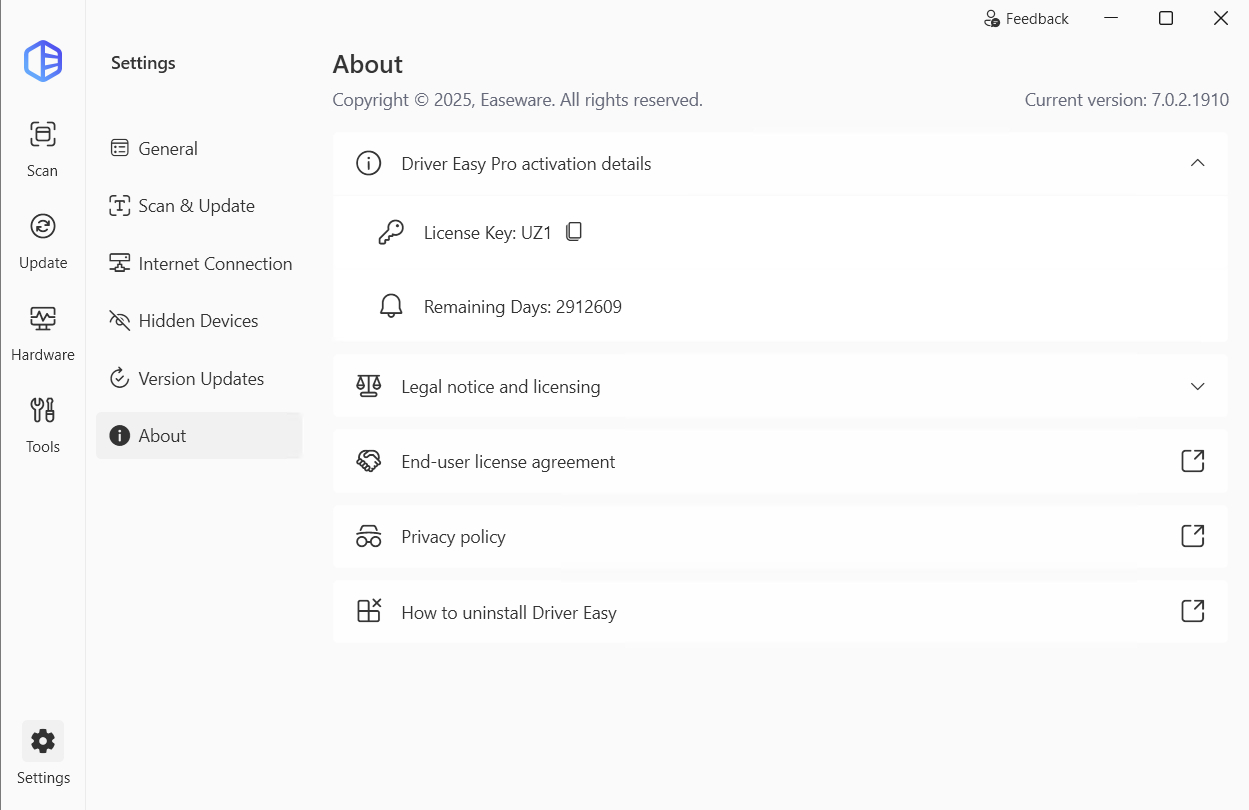
Driver Easy Professional 7.0.2.1910
직접 다운로드
7.0.2.1910
Driver Easy Professional 5.7.0.39448 Multilingual
직접 다운로드
5.7.0.39448
Driver Easy Professional 5.6.15.34863 Multilingual Portable
직접 다운로드
5.6.15.34863
크기
8 MB
댓글 남기기
게시된 댓글은 바로 표시됩니다.